Most developers confuse decode() with verify(). While decoding a JWT is a simple Base64URL operation, verification requires a cryptographic key.
The Dangers of Online Decoders
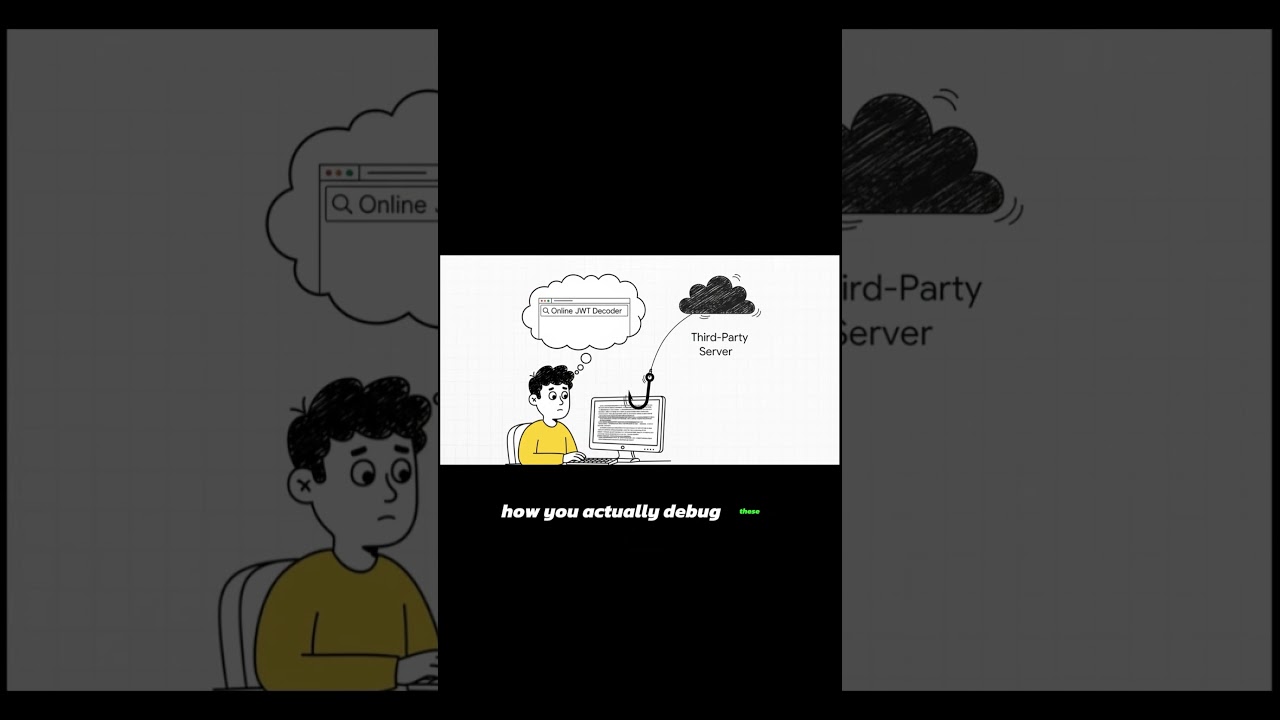
When you use a standard online decoder, you are often sending your sensitive payload to a remote server. If that server logs your request, your user data and session claims are exposed. This is why using local-first tools is critical for developer security.
Fixing the "alg: none" Vulnerability
One of the most famous JWT exploits involves changing the header to {"alg": "none"}. Insecure libraries might accept this as a valid token, allowing attackers to bypass authentication entirely. Always ensure your implementation explicitly requires a specific algorithm (like HS256) and never trusts the header's algorithm claim without validation. Read our full checklist on JWT Security Best Practices to protect your systems.
Modern authentication standards like PASETO (Platform-Agnostic Security Tokens) solve this vulnerability by removing algorithm negotiation entirely, making algorithm confusion attacks architecturally impossible.
eyJhbGciOiJub25lIiwidHlwIjoiSldUIn0.eyJzdWIiOiJhZG1pbiIsImlhdCI6MTUxNjIzOTAyMn0.
Clicking will load this data into the tool locally.
Why Base64URL is NOT Encryption
Many people mistake Base64 encoding for encryption. Let's be clear: Base64 is a way to represent binary data as a string. Anyone can decode it. Your JWT payload is fully visible to anyone who has the token unless it is an encrypted JWT (JWE).
👉 Convert or Decode Base64 Strings Securely
👉 Inspect your JWT Header and Claims Locally
👉 Audit JWT Security Vulnerabilities Offline