Most developers confuse decode() with verify(). While decoding a JWT is a simple Base64URL operation, verification requires a cryptographic key.
The Dangers of Online Decoders
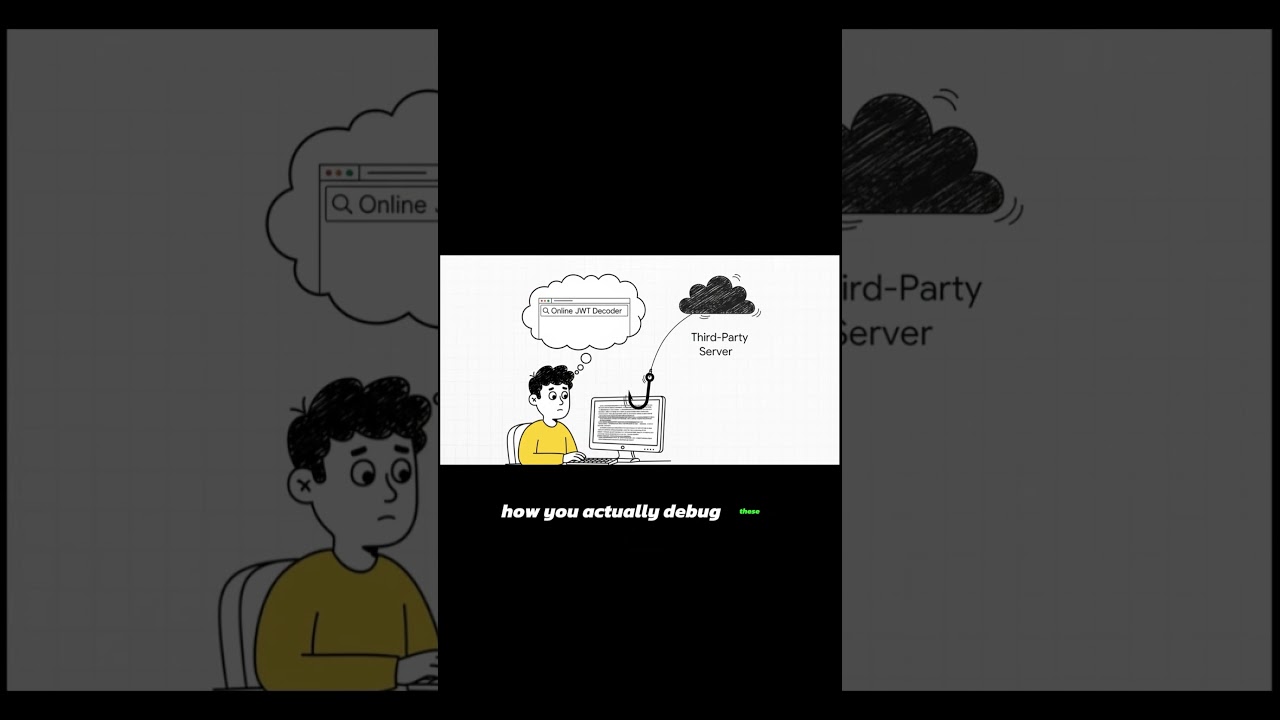
When you use a standard online decoder, you are often sending your sensitive payload to a remote server. If that server logs your request, your user data and session claims are exposed. This is why using local-first tools is critical for developer security.
Fixing the "alg: none" Vulnerability
One of the most famous JWT exploits involves changing the header to {"alg": "none"}. Insecure libraries might accept this as a valid token, allowing attackers to bypass authentication entirely. Always ensure your implementation explicitly requires a specific algorithm (like HS256) and never trusts the header's algorithm claim without validation.
eyJhbGciOiJub25lIiwidHlwIjoiSldUIn0.eyJzdWIiOiJhZG1pbiIsImlhdCI6MTUxNjIzOTAyMn0.
Clicking will load this data into the tool locally.
Why Base64URL is NOT Encryption
Many people mistake Base64 encoding for encryption. Let's be clear: Base64 is a way to represent binary data as a string. Anyone can decode it. Your JWT payload is fully visible to anyone who has the token unless it is an encrypted JWT (JWE).
👉 Convert or Decode Base64 Strings Securely
👉 Inspect your JWT Header and Claims Locally